
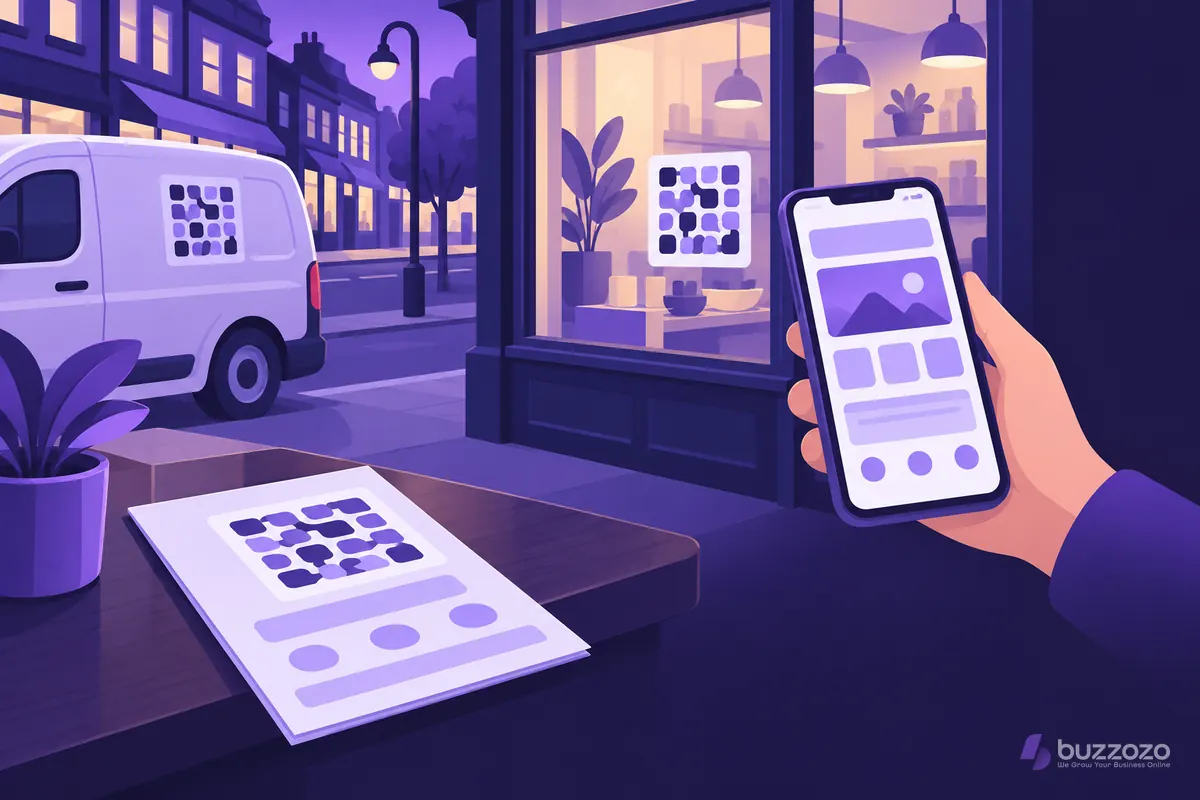
How do you make a QR code for your website for free?
Use Google Chrome, which turns any open page into a code with nothing to install and no sign-up. Open the page you want people to land on, create the code from the share menu and download the image. It holds the page address and nothing else.
Google's help page on sharing a page from Chrome with a QR code gives these steps on a computer:
- Open Chrome and go to the page you want people to land on.
- Select More, then Cast, save and share, then Create QR code.
- Select Download to save the code as an image.
The same help page has separate steps for Chrome on Android phones and on iPhones. Make the code on the page itself, not the home page, if the flyer is about one service.
How do you print and test a QR code?
Print the code dark on a plain, light background, with a clear margin around it. Make it bigger when people will scan from a distance, such as a van or a window poster. Then scan the printed proof with more than one phone before you order the full run.
- Leave a clear border, called the quiet zone, around every side of the code.
- Keep the web address short, so the code has fewer, larger squares.
- Avoid printing over photos, patterns or folds.
- Test on an iPhone and an Android phone, in poor light as well as good.
Rather have it done for you? We build your website free, it goes live in days, and you pay nothing for the first 14 days. No card needed. See how the free 14-day trial works.
Are QR codes safe for your customers?
Codes you print on your own materials are as safe as the page they open. The risk is fake codes. The National Cyber Security Centre (NCSC) warns that criminals put QR codes in phishing emails, a trick sometimes called quishing.
Make your code easy to trust. Print your business name and web address beside it, and check that any sticker on your sign or menu is still yours.
How much time and skill does the page behind it take?
The code takes minutes. The page it opens takes the hours. A scan from a flyer lands on a phone, so that page must load fast, say what you offer and make calling or enquiring easy.
Building a page like that yourself takes about 15 to 30 hours, as our guide to making a landing page sets out. A full business website takes about 40 to 70 hours the first time, which our guide on making a website yourself breaks down. These are our planning figures, not a promise.
- Writing: an offer and headline that match the flyer or sign.
- Design: a layout that works one-handed on a phone.
- Speed: images sized so the page opens fast on mobile data.
- Forms and tracking: an enquiry form that sends, and a way to count scans.
Would you rather have the page done for you?
Buzzozo designs, writes and builds your website, with pages made to work on a phone. Put the code on your flyers, vans and signs, and we make sure the page it opens is ready for the visitor.
Get your website built free for 14 days, with no card needed and no contract. If you keep it, the Website plan is from £149 a month. That founding price is for the first 100 businesses and is kept for life. After that, the plan is from £299 a month. You can cancel any time. Your site comes with an AI chat assistant that answers visitors' questions around the clock and captures enquiries while you work.
The plan includes fast green UK hosting, security monitoring, daily backups and updates. See our web design service, or read how a managed website keeps your pages fast and safe.
A QR code works best when it opens a page built for one offer: read how to make a landing page that gets enquiries. If you only have a Facebook Page, see how to make a business website on Facebook before you print a code.
Common questions
Do website QR codes expire?
A plain code made in Chrome holds your web address directly, so it does not expire. It stops working only if the page it points to is moved or taken down. Keep that address live for as long as the print is in use.
Is it free to make a QR code for my website?
Yes. Chrome makes a plain code for any page at no cost and with no sign-up. Your printing and the page the code opens are the parts that cost time or money.
Are QR codes safe for my customers to scan?
Your own printed codes are as safe as the page they open. Print your business name and web address beside the code, and check stickers on signs and menus have not been covered by fakes.