
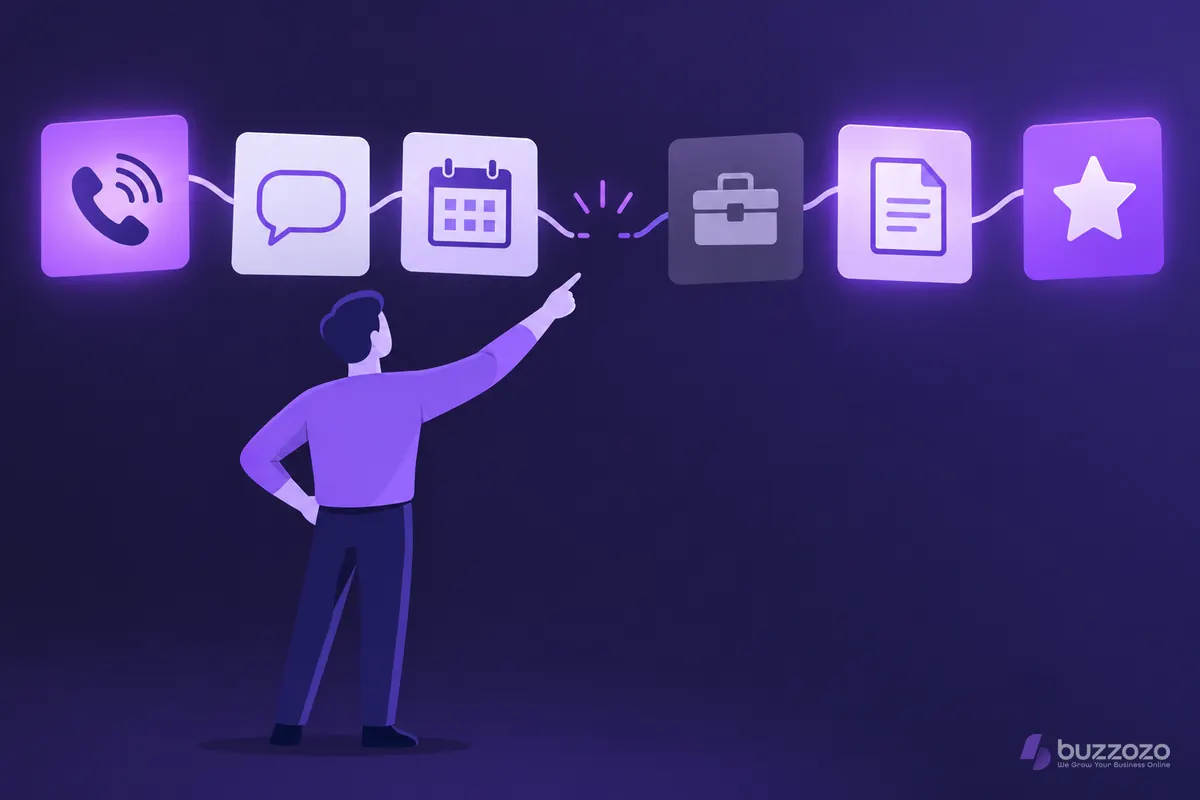
What is customer journey mapping?
A customer journey map is a picture of your business from the customer's side. It runs left to right through each stage, from the moment someone needs what you sell to the moment they come back or recommend you. Under each stage you note what the customer does, thinks and feels.
The UK government uses the same idea to design its own services. Its Service Manual guide to creating an experience map describes a visual record of what people do, think and feel over time. It runs from first needing a service to when they stop using it. The method works just as well for a plumber, a salon or an accountant.
The point is not a pretty diagram. A good map shows you where people drop out, wait too long or feel unsure. Then you know which fix will win you the most work.
What goes on a customer journey map?
Most maps for a small business need six rows under each stage. Keep each note short, and write it in the customer's own words where you can.
- Stage: where the customer is, such as finding you, getting in touch, getting a quote, booking, the job itself, paying and coming back.
- Doing: what they actually do, such as searching on their phone, ringing you or filling in a form.
- Touchpoint: where they meet your business, such as your website, a phone call, a text, an email or your van.
- Thinking and feeling: the question in their head, and whether they feel confident, rushed or unsure.
- Pain point: anything that slows them down or makes them doubt you.
- Fix and owner: what you will change, and who in your team looks after it.
The government guide also marks emotional highs and lows along the line. That is worth copying. A low point just before someone books or pays is where you lose the most.
How do you make a customer journey map, step by step?
Pick one type of customer and one goal, then follow that person from the first need to the repeat visit. Map what really happens today, not what you hope happens. Here is a simple way to start.
- Choose one customer type, such as a homeowner who needs an urgent repair.
- List the stages in order, from first need to coming back again.
- Gather evidence: talk to recent customers, read your enquiry emails and listen to how calls go.
- Fill in what the customer does, thinks and feels at each stage.
- Mark the low points, and note how long each wait lasts.
- Pick the two or three fixes that matter most, and give each one an owner and a date.
Sticky notes on a wall are fine for a first draft. What matters is that the map comes from real customers, and that someone acts on it.
Rather have it done for you? We build your website free, it goes live in days, and you pay nothing for the first 14 days. No card needed. See how the free 14-day trial works.
What does a journey map look like for a small business?
Here is an illustrative example, not a real firm. Priya runs a small electrical business in Leeds. Her map follows a homeowner who needs a new fuse board, from a search on their phone to a review after the job.
- Finding: the customer searches at 8pm and lands on Priya's website. Low point: the page does not say which areas she covers.
- Enquiry: they fill in the form. Low point: no reply until the next afternoon, so they call someone else too.
- Quote: Priya visits and emails a price two days later. Low point: the customer has to chase it.
- The job: the work goes well and the customer feels relieved. High point.
- Paying and after: an invoice arrives, but nobody asks for a review or offers a yearly safety check.
The map makes the fixes plain. Priya adds her areas to the website and answers every enquiry with a quick text within the hour. She sends quotes the same day and asks for a review after each job. None of those changes needs a new van or more staff.
Why does a good journey map take real skill and time?
A first draft takes an afternoon. A map you can trust takes much longer, because the hard part is finding out what customers really go through rather than what you assume. That means research, an honest reading of the evidence and steady upkeep.
The government guide says you need to capture the experience of several users before you create a map. Owners are often too close to their own business to see the gaps, and customers tend to be polite in person. Getting honest answers takes careful questions and time.
- Research: speaking to recent customers, including the ones who did not buy, and reading real calls, emails and reviews.
- Data protection: if you record calls or keep notes about people, UK data protection law applies. The Information Commissioner's Office (ICO) guide to lawful basis says you must decide your lawful basis before you start using personal information, and document it.
- Joining the dots: matching what customers say with what your enquiry log, diary and invoices show.
- Upkeep: a map goes stale when you change prices, staff or how people book, so it needs a regular review.
- Action: a map in a drawer changes nothing. Each fix needs an owner, a deadline and a way to check it worked.
That is a lot to fit in around running jobs, answering the phone and doing the books. It is also why so many maps get started and never finished.
How does a CRM (customer relationship management) system turn your map into follow-ups?
A CRM system keeps every customer, enquiry, booking and invoice in one place. It turns the fixes on your map into steps that happen every time. Think of a quick reply to each enquiry, a reminder to chase a quote and a review request after each job.
If you are new to the idea, our guide to what a CRM is explains the basics in plain English. The map tells you what should happen at each stage. The CRM makes sure it does, even in your busiest week.
It helps at the start of the journey too. AI lead capture on your website asks each visitor what they need, such as a quote or a booking. It keeps the request and its next step together, so your team can follow up with the full picture. Our guide to the local website enquiry journey shows where those first steps usually break.
Can Buzzozo set this up for you?
Yes. Buzzozo is a premium, done-for-you service for UK small businesses. We build and set up your website and CRM around how your customers find you, get in touch and book. The follow-ups your map calls for then run every time, without you having to remember them.
Our CRM for small business is built and set up for you, with leads, bookings, invoices, staff and marketing in one place. It includes missed-call text-back and review requests, and you get UK support by phone and email.
Plans start at £149 a month for a website, at the founding price for the first 100 businesses. The Website and CRM plan starts at £599 a month. Compare the plans and prices, or start your free 14-day trial. No card needed, no contract, and you can cancel any time.
A journey map shows where people drop out, and conversion rate optimisation (CRO) is how you test the fix. To pass enquiries from your website into your CRM without retyping them, read what an application programming interface (API) integration is.
Common questions
What is the difference between a customer journey map and a sales funnel?
A sales funnel counts how many people move from one step to the next. A customer journey map explains why, by showing what each person does, thinks and feels at every step. The map also carries on after the sale, through the job, the payment and repeat business.
How often should you update a customer journey map?
Review it whenever something changes how customers reach you, such as new prices, a new way to book or new staff. Otherwise, a quick look every few months is sensible. Check it against recent enquiries and reviews, and clear the low points you have already fixed.
Do you need special software to make a customer journey map?
No. A wall, sticky notes and a pen are enough for a first map, or a simple spreadsheet. What matters is that the map comes from real customer evidence. A CRM helps later, because it records each step and keeps your fixes running every time.