
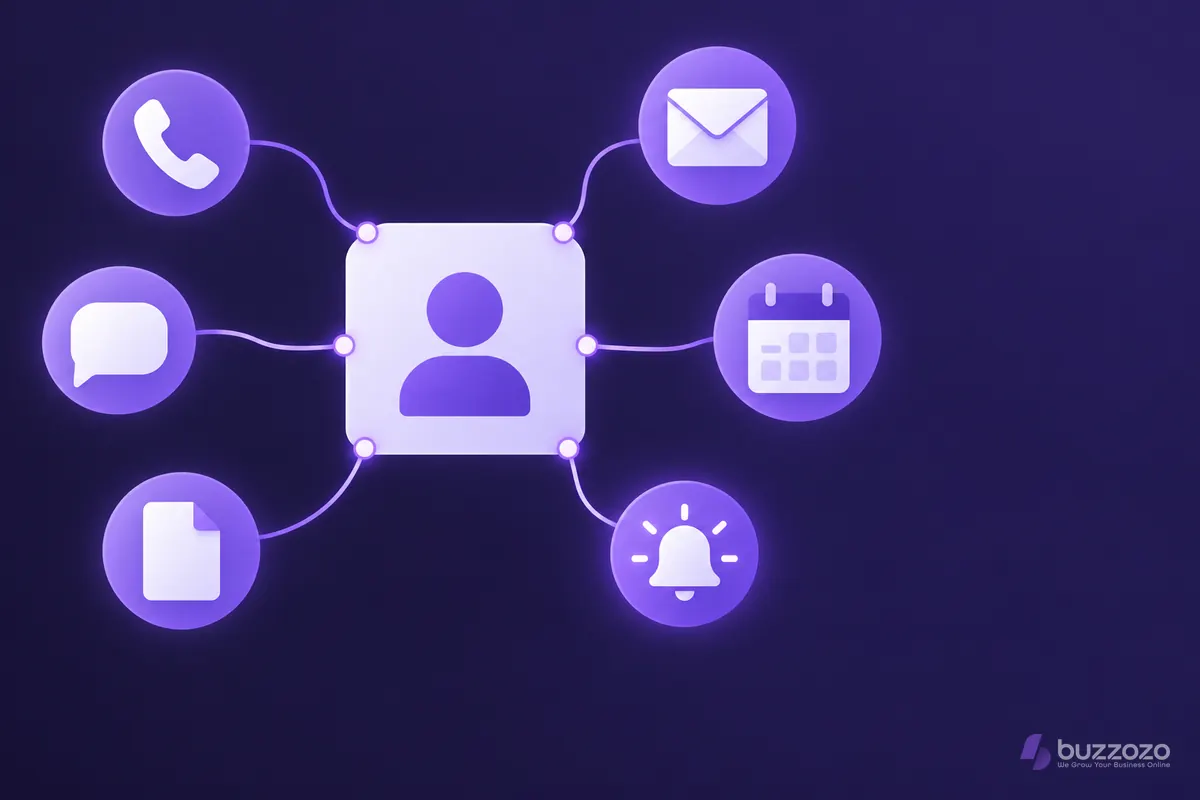
What does a CRM actually do?
A CRM stores each customer's details and history, and shows you what to do next. When an enquiry arrives by phone, email, web form or text, it becomes a record. Quotes, jobs, invoices and messages are then kept on that record, so anyone in your team can pick it up.
Most small businesses already run a CRM of sorts. It is the notebook in the van, the spreadsheet on the office computer, the inbox and the chats on the owner's phone. The trouble is that these do not talk to each other. A customer who emailed on Monday and rang on Thursday looks like two people, and the quote you promised sits in someone's head.
A typical CRM covers:
- Contacts: names, numbers, addresses and how each person prefers to be contacted.
- Enquiries: every lead, what they asked for and where it stands.
- Tasks and reminders: who calls back, and by when.
- Messages: emails, texts and web chats saved against the right customer.
- Quotes and invoices: in some systems, so you can see the whole story of each job.
Does a small business need a CRM?
You probably need one once enquiries reach you through more than one channel, or more than one person handles them. If you have ever lost a lead, quoted twice or forgotten to follow up, a CRM is worth a look. A sole trader with a few regular clients may manage well with a calendar and a notebook.
Signs it is time:
- You check 3 different places to find what a customer last said.
- Quotes go out and nobody chases them.
- Past customers are never invited back.
- A member of staff leaves and their customer knowledge leaves with them.
- You cannot say how many enquiries came from your website last month.
Is a CRM better than a spreadsheet?
For a small list of customers, a spreadsheet works. A CRM pulls ahead once you need reminders, a shared view for your team and a record of every message. A spreadsheet cannot remind you to call someone back on Thursday, and it does not save the email they sent you.
- Spreadsheet: cheap and flexible, but every update is by hand. It is easy to end up with two versions, and it never prompts you to act.
- CRM: a monthly fee and some set-up time, but it saves messages against each customer, sends reminders and lets several people work from the same record.
- Either way: the tool only helps if your team puts every enquiry into it.
Rather have it done for you? We build your website free, it goes live in days, and you pay nothing for the first 14 days. No card needed. See how the free 14-day trial works.
What are the rules for keeping customer data?
Customer names, phone numbers and email addresses are personal data, so UK data protection law, the General Data Protection Regulation (GDPR), applies whichever tool you use. A CRM can make the rules easier to follow, because everything about one person sits in one place. This is a summary, not legal advice.
The Information Commissioner's Office (ICO) sets out seven data protection principles. Two matter most day to day. Accuracy means wrong details should be corrected or deleted without delay. Storage limitation means you keep personal data no longer than you need it.
Customers can also ask what you hold about them. The ICO says organisations usually have one month to respond to a subject access request. With one record per customer, that is a quick search rather than a hunt through phones and inboxes.
Marketing has its own rules. The ICO's guidance on email and text marketing says you must not send marketing emails or texts to individuals without specific consent. There is a limited exception for your own previous customers, often called the soft opt-in. A good CRM records who agreed to what, and when.
How do you choose a CRM for a small business?
Choose the CRM your team will actually use. Start from how enquiries reach you today and what usually goes wrong. Then test a system against those real jobs before you commit. Features you never open add cost, not value.
- Map your enquiry routes. Phone, website form, email, text and social messages. Note which ones get missed.
- Pick your must-haves. For a tradesperson that might be missed-call follow-up, quotes and job reminders. For a salon it might be bookings and repeat visits.
- Check it works on a phone. If you are on site all day, a system that only works well on a desktop will sit unused.
- Check you can take your data with you. You should be able to export your customer list if you ever change system.
- Count the set-up work. Importing contacts, connecting your website form and showing staff how it works all take time. Ask who does it.
- Try it on live enquiries. A demo full of sample data hides the awkward parts of your own week.
What does a CRM change in a normal week?
A CRM mostly changes the small, easily missed moments. Here is a made-up example. An electrician misses a call while working on a job. Without a CRM, the number sits in the call log until evening, if anyone notices it. With one, the caller gets a text back, the enquiry becomes a new record and a reminder is set.
Next morning, the office sees the enquiry, the message history and who is booked to quote. The quote goes out from the same record. If the customer has not replied after a few days, the system reminds someone to call. When the job is finished, it prompts a review request. Nothing in that week is clever. It just does not depend on anyone remembering.
How can Buzzozo help?
We help small businesses use AI to answer and follow up their customers. BuzzozoHub, our CRM for small businesses, keeps your leads, quotes, invoices and messages in one place.
It includes an AI chat assistant for your website, an instant text back for missed calls, quotes with e-signatures and deposits, and invoices that chase themselves. Texts, emails and web chats land in one inbox, so you reply from one place.
If your enquiries start on your website, AI lead capture into your CRM keeps the visitor's details and the conversation together. Our guide to AI integration for small businesses explains how the pieces connect.
Not ready for a CRM yet? Start with the front door. Start your free 14-day trial: we build you a new website, free for 14 days with enquiry forms and click-to-call ready, and no card needed.
Common questions
What does CRM stand for?
Customer relationship management. It means the software and habits a business uses to keep track of customers, enquiries and follow-ups in one place.
Is a spreadsheet a CRM?
A spreadsheet can do the basic job of a contact list. It cannot remind you to follow up, save messages automatically or let several people work on the same record safely. That is where a CRM earns its place.
Do I need to tell customers I use a CRM?
You must be open about how you use people's personal data, usually through a privacy notice. Transparency is one of the ICO's seven data protection principles. Say what you collect, why and how long you keep it. This is a summary, not legal advice.
How long does it take to set up a CRM?
It depends on how many contacts you import and what you connect. A simple set-up can be ready quickly, while connecting your website, phone and email takes longer. Ask any provider who does the set-up and what is included.
Can a CRM send marketing emails to my customers?
Many can, but the rules still apply. The ICO says you must not send marketing emails or texts to individuals without specific consent, apart from a limited exception for your own previous customers. Record each person's choice in the CRM.