
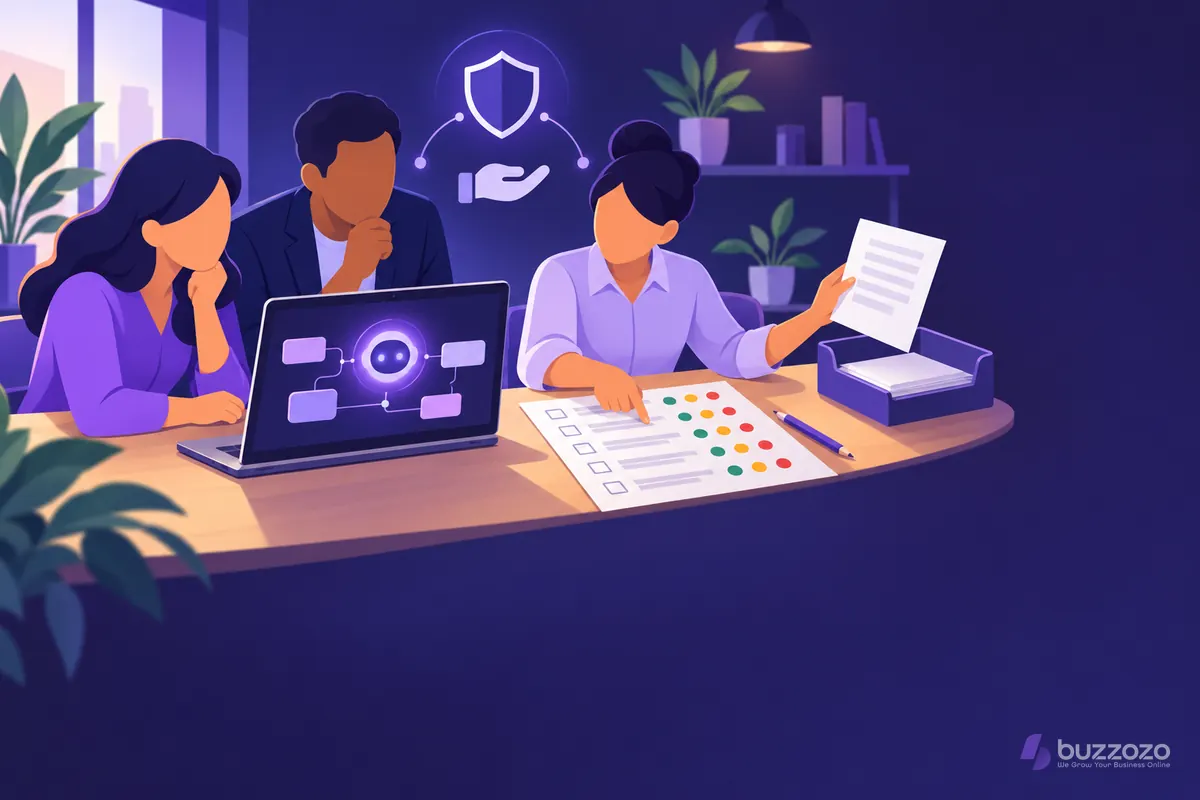
What is an AI risk assessment?
An artificial intelligence (AI) risk assessment is a practical record of what could go wrong when your business uses a tool for a named task. It covers the people involved, the information going in, the answers coming out and the action someone takes next. You use it to choose controls and decide whether to proceed.
Start with one use, not every possible use. Drafting replies to customer enquiries has different risks from sorting job applications. Write down who does the task now, what the tool will change and who could be harmed by a poor answer.
A general assessment looks at business risks as well as privacy. A data protection impact assessment (DPIA) is a specific process for data protection risks. The Information Commissioner's Office (ICO) explains that a DPIA should identify and minimise data protection risks. It can be scaled to the project, but the rigour must match the privacy risk.
Our guide to AI and the UK General Data Protection Regulation (GDPR) explains the data protection side in more detail. This guide is general information, not legal advice. Check current ICO guidance for your circumstances and ask a qualified adviser about your legal duties.
When does a small business need an AI risk assessment?
Do the assessment before staff use a new AI tool or before an existing tool takes on a new task. Repeat it when the information, supplier, settings, output or people affected change. A team trial needs the same clear boundary as a full launch.
Do not wait for proof that something has gone wrong. The ICO says that AI use is likely to create high risk to people's rights and freedoms in the vast majority of cases. It says this will require a DPIA. You must decide case by case. Its AI accountability guidance also says to document your reasoning if you decide a DPIA is not required.
A useful trigger list is:
- A new tool will read customer, staff or supplier information.
- A draft answer will influence a decision about a person.
- A tool will contact customers or update a business record.
- A supplier changes where information goes, how long it stays there or how it may be used.
- You move from an internal test to real customer work.
If residual risk remains high after your controls, the ICO guidance says you must consult it before starting the processing. That is a legal decision point, not a box for an unqualified reviewer to tick.
What should your AI risk assessment cover?
Cover the whole workflow, from the person preparing the input to the person acting on the output. A tool can be accurate in a test and still be a poor choice for your data, customers or process. Record each risk with an owner and a control you can check.
Use these headings for your review:
- Purpose. Name the task, the intended benefit and what the tool must not do.
- People. List customers, staff and anyone else whose information or choices are affected.
- Information. Map what goes in, where it goes, who can see it, how long it remains and what leaves the tool.
- Output quality. Test wrong, missing, outdated or invented content with examples from your real work.
- Fairness. Check whether different people receive materially different treatment and how someone can ask for a review.
- Security and access. Limit accounts, permissions, exports and the actions the tool can take.
- Operations. Give staff a way to work when the tool is unavailable and stop a bad output reaching a customer.
The ICO AI and data protection risk toolkit is a spreadsheet designed to help organisations reduce risks to people's rights and freedoms. It can support your privacy review. It does not replace your judgement about service quality, spending or business continuity.
Rather have it done for you? We build your website free, it goes live in days, and you pay nothing for the first 14 days. No card needed. See how the free 14-day trial works.
How do you run the assessment and sign it off?
Run the assessment as a short decision meeting with a written record. Bring the person who owns the task, someone who understands the information involved and the person who can approve the controls. Finish with a named decision maker and a review date.
- Describe the proposed use in one sentence and name what is outside its scope.
- Draw the information flow, including manual copying, supplier processing and saved outputs.
- List each risk before controls. Rate its likelihood and severity as levels such as low, medium or high.
- Choose controls that remove information, restrict use, add human review or provide a fallback.
- Test the controls with real examples, then record the residual risk that remains.
- Decide whether to proceed, narrow the use, redesign it or stop. Record who accepted the remaining risk.
The ICO accountability guidance linked above asks for a score or level based on likelihood and severity. It also asks you to document residual risk after mitigation. Your register should show both, so a reviewer can see what changed.
Keep the assessment alive. Set a review date and name events that trigger an earlier review. These include a new supplier term, a new type of personal data, a customer complaint or a wider group of users.
What does an AI risk register look like in practice?
A useful register names a specific event, its effect and the control that changes the risk. Imagine a small retailer testing AI to draft replies to customer enquiries. The owner wants faster first drafts, while a person must still send every reply.
The first register entries could read like this:
- A staff member pastes a customer's order and contact details into the prompt. Before controls, the likelihood is medium and the severity is high. Controls remove identifiers, permit only approved fields and train the team. The owner checks a sample and records the residual level.
- The tool invents a refund promise. Before controls, the likelihood is medium and the severity is high. Staff use a controlled prompt, check every draft against the policy and send nothing automatically. The residual level stays visible in the register.
- A reply treats one customer unfairly because the wording is unclear. Before controls, the likelihood is medium and the severity is medium. Test cases cover different enquiry styles, and the reviewer can correct or reject any draft.
- The service is unavailable during a busy period. Before controls, the likelihood is medium and the severity is low. Staff keep the existing enquiry process and know when to switch back.
The decision is not a blanket statement that AI is safe. It is a bounded choice about this task, these controls and this owner. If the shop later lets the tool send replies itself, the assessment must be reopened.
Why does a proper AI risk assessment take skill and time?
The skill is finding how a useful tool behaves inside your real process. Someone must understand the task, trace the data, read the supplier terms and design tests that expose weak answers. Someone else needs the authority to change the process or stop the launch.
A quick template cannot tell you which customer details staff paste in, which answers are safe to automate or who will review exceptions. Those answers come from watching the work and speaking to the people who do it.
The testing also needs care. A few friendly examples can miss confusing enquiries, incomplete orders and requests that fall outside policy. Reviewers need enough subject knowledge to spot a plausible but wrong answer. They also need time to check that staff follow the controls after launch.
This is why a good assessment ends with actions, owners and evidence. A long document without those things has not reduced the risk.
Should you assess AI yourself or have it done for you?
You can start with the checklist here if you know your data and have time to test the workflow. Bring in help when a tool touches sensitive information, affects decisions about people or connects to several systems. An outside reviewer can also challenge assumptions held by the team choosing the tool.
Buzzozo's AI consultancy for small businesses maps the task, selects the workflow and sets up the integration with human handover. Consultancy is project work, scoped and quoted separately from the monthly website plan. You get a clear boundary before access or build work starts.
For businesses that also want a website and practical AI integration, our AI integration service connects approved tasks to your website and customer process. Where the chosen task is answering website questions, our AI chatbot service is the relevant build route.
The premium Website plan starts at £149 a month at the founding price for the first 100 businesses, then from £299 a month. Consultancy remains separately scoped.
Compare Buzzozo's plans, or start your free 14-day trial. No card needed, and you can cancel any time.
Common questions
Is an AI risk assessment the same as a DPIA?
No. An AI risk assessment can cover privacy, accuracy, fairness, security and business operations. A data protection impact assessment is the specific data protection process. Your AI review may show that a DPIA is required, but the two records have different scopes.
Who should sign off an AI risk assessment?
A named person with authority over the process and its controls should sign it off. Include the task owner and someone who understands the data. Ask a qualified adviser to review legal duties or any high residual risk.
How often should you review an AI risk assessment?
Set a review date that matches the risk. Review earlier when the tool, supplier terms, data, users or purpose change. A complaint, failed test or move to automation should also reopen the assessment.